
Pay an Insufficient Funds (ISF) Slip on myPayNJTA
Once you have found the slip(s) you want to pay (seeHow to Find an Insufficient Funds (ISF) Slip on myPayNJTA for more information), follow the steps below to pay your ISF slip(s):
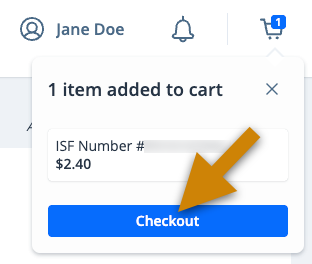
- On the cart notification, click Checkout
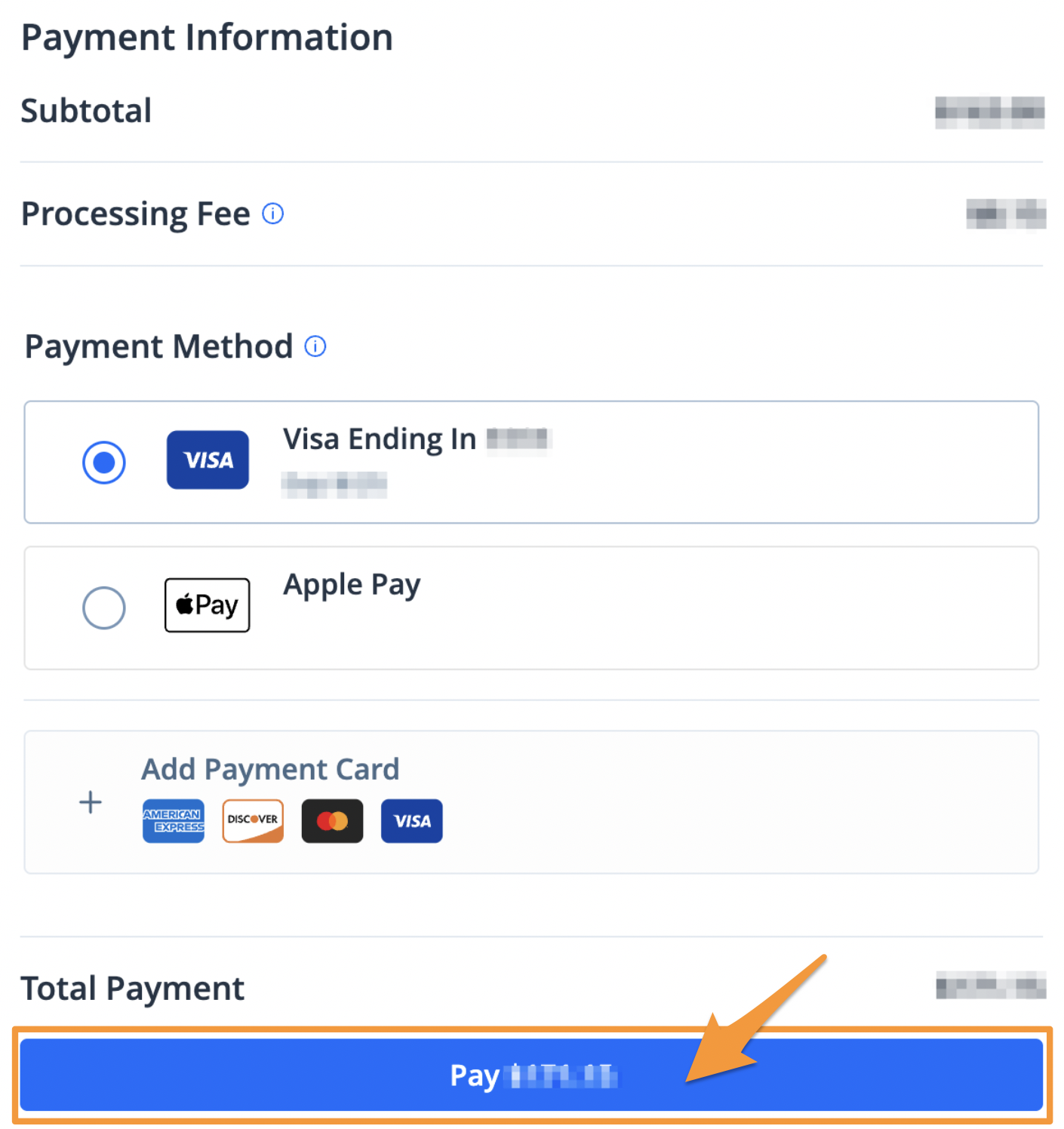
- Select a payment method and click the blue Pay $--.-- button to complete your payment
After completing your payment, you will receive an email confirmation. A receipt will also be stored in your profile (see Find a Receipt on myPayNJTA).