Find an Insufficient Funds (ISF) Slip on myPayNJTA
Once you have signed in to myPayNJTA (see Create a Profile on myPayNJTA), follow the steps below to find your ISF slip(s):
-
Click Find a Ticket

-
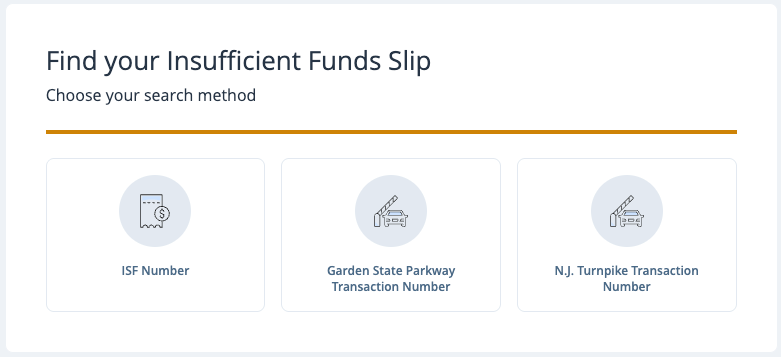
Select how you would like to search for your slip
-
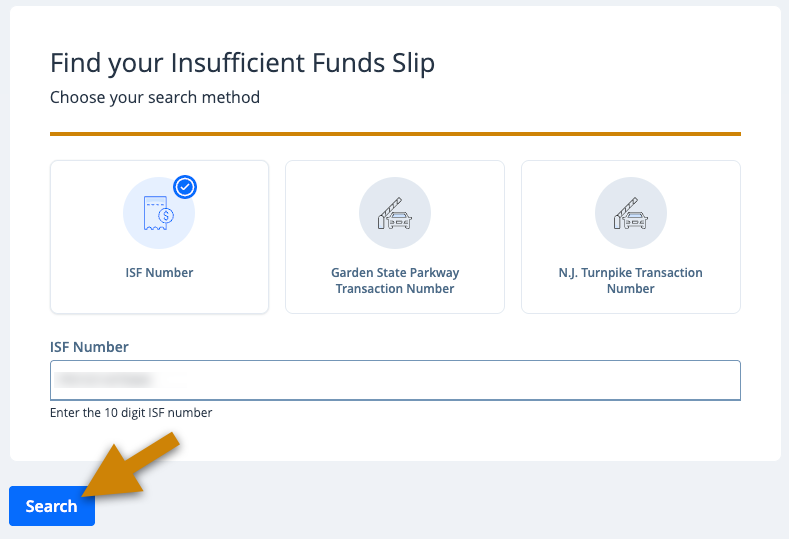
Enter the information for your ticket and click Search
-
Review the ticket and click Add to Cart, or Search Again
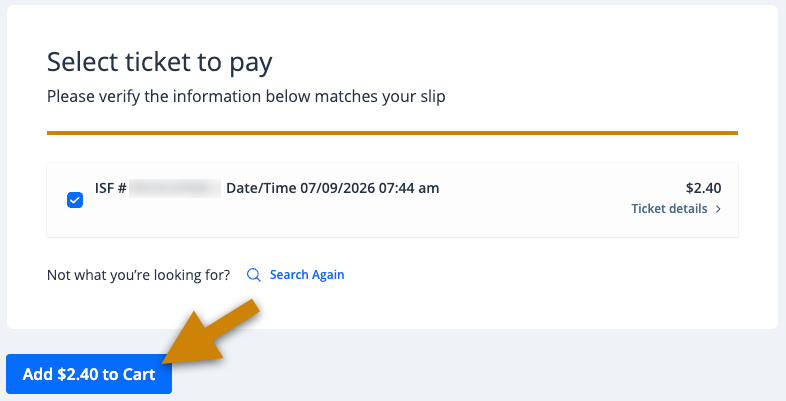
Note: If the search does not return any results, the ticket you are searching for may be expired, have no balance, or not exist.
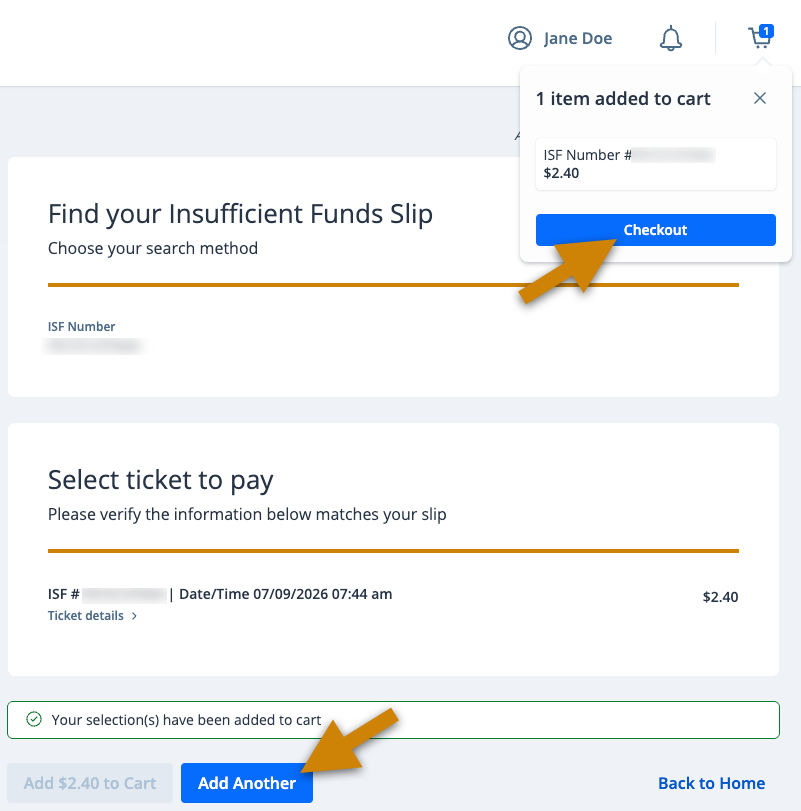
- To find more slips, click Add Another, or to pay, click Checkout. After you are finished added tickets, seeHow to Pay an Insufficient Funds (ISF) Slip to complete your payment.